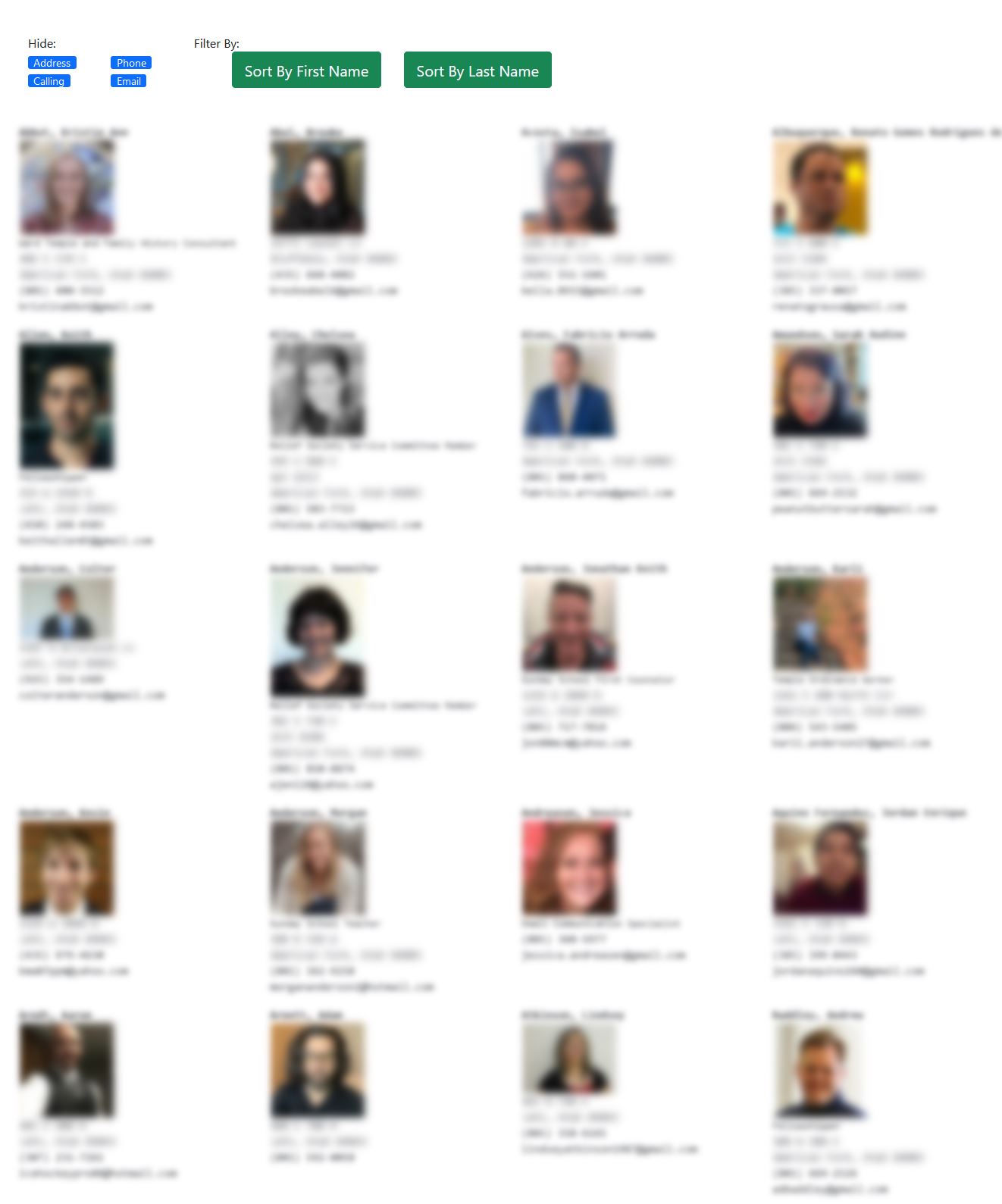
The Ward Photo Directory
As a visual learner, I learn people's names best when I have their names along with a photo. This used to be the standard for singles wards, where the ward's goal was to help you meet people. As more online tools were created, the photo directory was lost.
Now, with this tool, it is back! It also has the ability to create sub lists of just the men, or women, as well as bookmarked members. Once you have it the way you like it, you can then print to PDF.
It is pretty simple to make a photo directory. First, using this
Custom Browser go to the church website and login. Go to the ward directory, enter your prefered login details at the top and click "Get Members" to start syncing.
It takes a few minutes to sync all the data, but you can start seeing results right away here if you log in with the account you created when clicking "Get Members".